PayPal Console
Year: 2019-2023
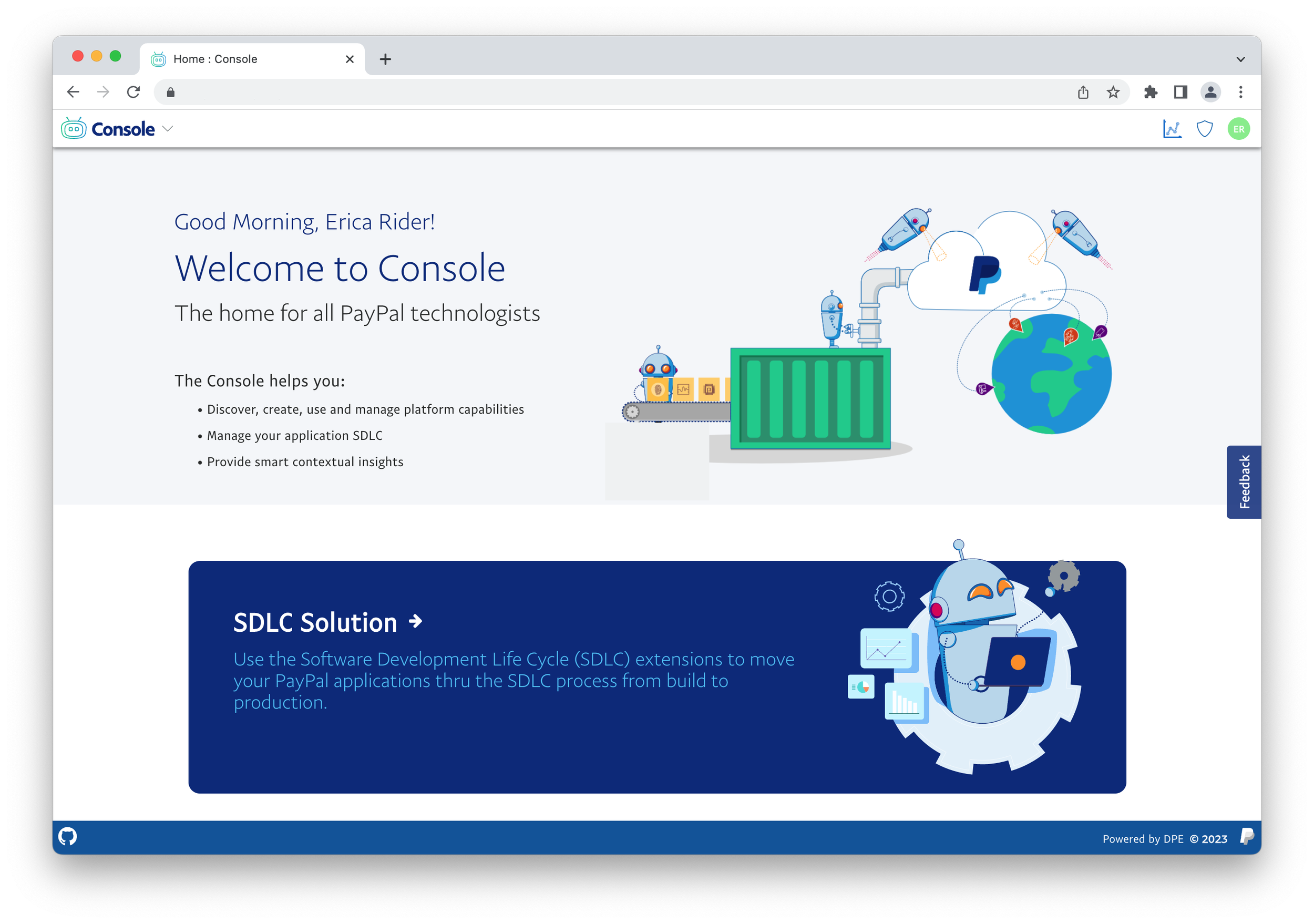
The PayPal Console is a central platform for software and data development at PayPal. It provides a frictionless, self-service experience, enabling developers to accomplish their tasks faster with full visibility into the applications they are building.
Platform goals
Deliver a cohesive and consistent platform experience to internal PayPal developers that feels like a PayPal product.
Deliver a platform with a federated development model, removing dependencies on the platform development team that prevent product teams from delivering products to customers in a timely manner.
User experience mission
Design and build a UI platform that aligns functionality along users existing workflows. Encapsulating and automating as much for developers and future personas. abstracting out the UI / UX to enable product teams to focus on developing for their domain.
Why?
Internal developer productivity applications needed to have a cohesive story across products and look like they are part of the PayPal family.
Build user trust
sense of community
project the message that the company takes these internal products seriously
My Role
Product & Design Lead
Drove the vision and design direction for the platform and integration models for platform extensions
Defined the initial vision for what the console cold be.
Removed ambiguity around design decisions, enabling a consistent and cohesive user experience at scale. This was done buy making components work they way we wanted and not open for interpretation
Worked with the UI lead to ensure UX principals were built directly into the platform UI components enabling them to work as designed out of the box for extension teams
Defined all aspects of the original UX design, Navigation model, and interaction models.
Product and Design Manager
In 2021 my role changed from lead to manager and I grew the design team from one other designer to 4 total designers plus me as the manager. This enabled the team to work on further advancements in the platform and support a wider range of product teams.
Understanding our users
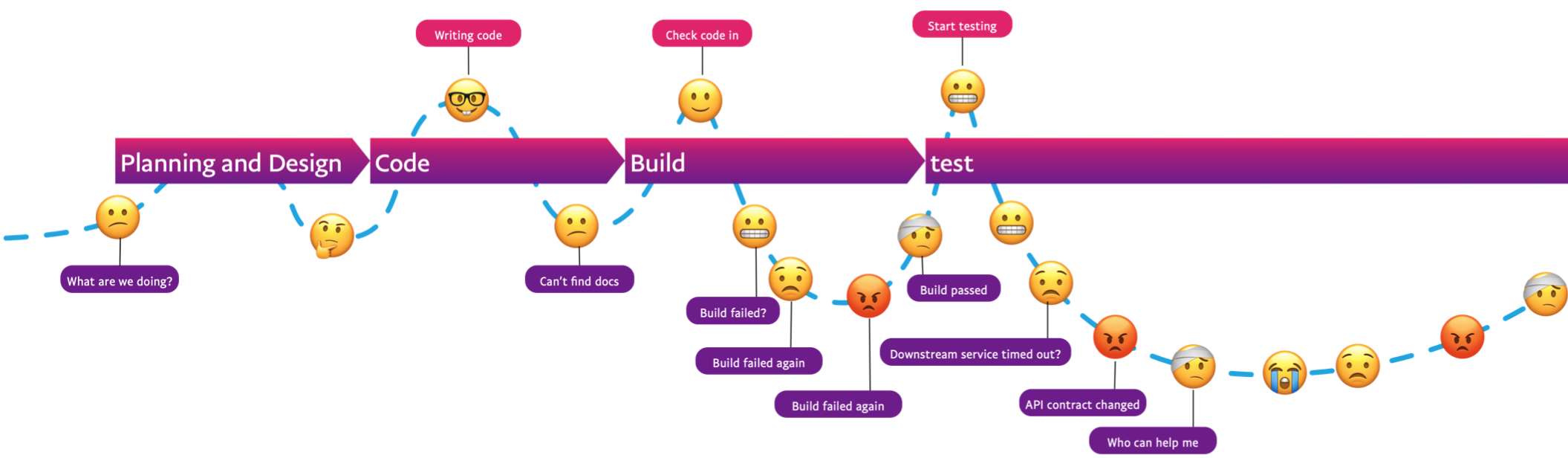
User research
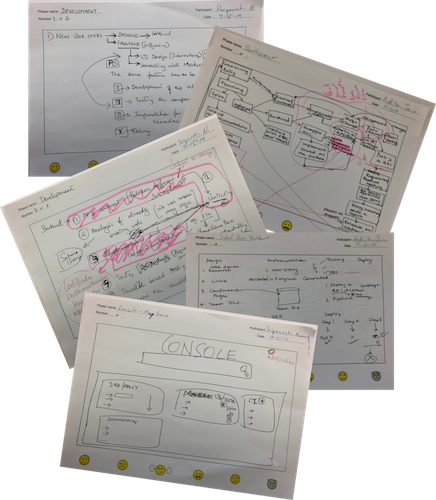
User research has been a big part of the console user journey. It has not only driven the look and feel but also the product roadmap. Prior to starting work on design of the console we conducted hours of user interviews that consisted of having developers tell us about that the average day looked like followed by a drawing portion.
user analytics
UI Integrated analytics
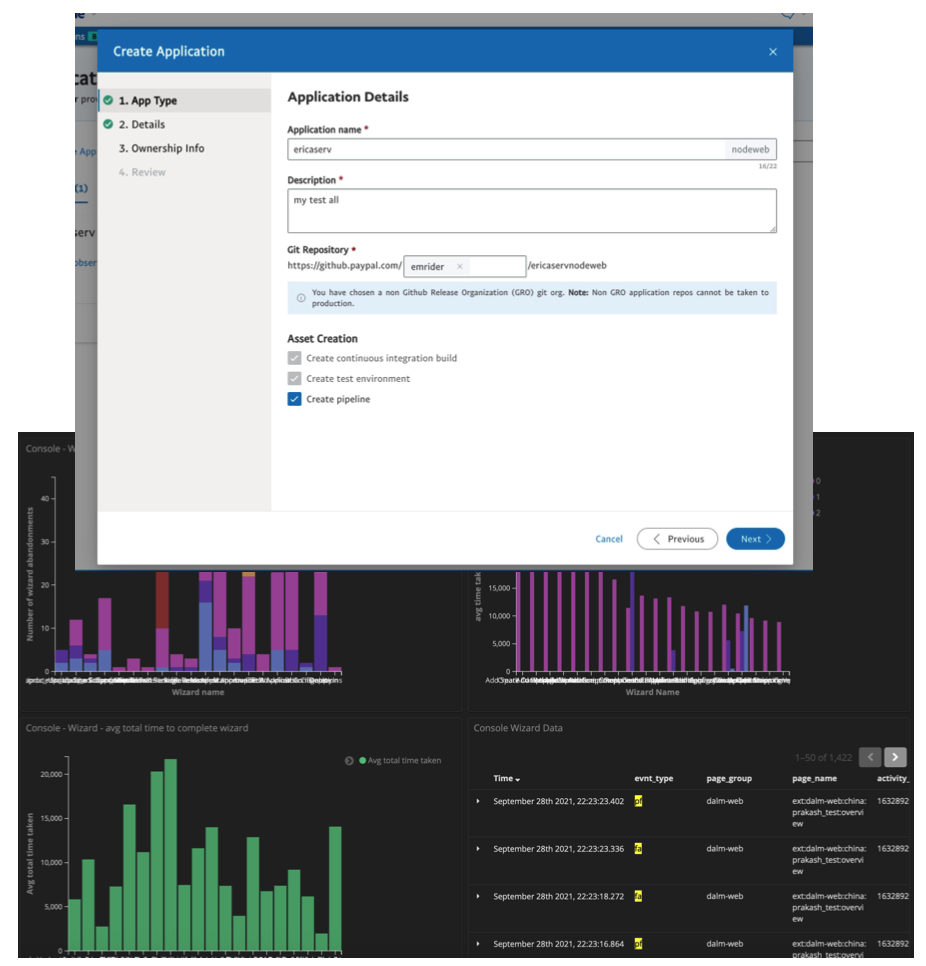
Hooks integrated into UI components to capture users behavior
Continuous & automatic collection of user metrics
• Developers do not need to code anything special
• Automatically feed data for every instance of the wizard
component to our dashboards
Tracking time to complete and drop off rates
• Total time to complete the workflow • Time to complete each step
• Total drop off percentage
• Step with highest drop off rate
Real time qualitative data with strategic interrupts
• Trigger interrupts when users are having trouble • Only when a user meets the criteria
Baseline and benchmark analysis built in.
• Is your time to complete going up or down? • Is your drop off rate improving?
User Experience
To enable my small design team to scale design and support a large platform design as well as 50-100 product teams delivering extensions to the console we invented a new design process we call DesignOps2.0. Look for future articles that go deeper into DesignOps2.0
UX Methodology
Follow conventions established by PayPal central UED
Follow conventions established by the industry
User test and refine as needed
Document new patterns and apply them consistently
build new patterns into the design tools and console platform to ensure doing the right thing is easier than not.
Design Principals
Consistent and predictable design
Design for the 80% and degrade gracefully
Clear and useful messaging
Design components at a platform level to ensure a consistent experience across extensions
Consistent predictable navigation model
Navigation model
The navigation model describes the paths to each user goal on a website. ... Creating a navigation model is also an opportunity to review any existing content you may have and understand the context in which you will be creating the structure.
Structure
Primary / Global navigation
secondary navigation
page level navigation
object level navigation
High Level Navigation Model Illustrated
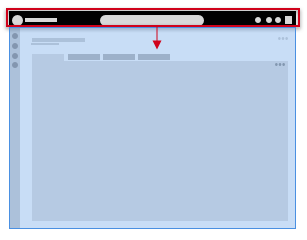
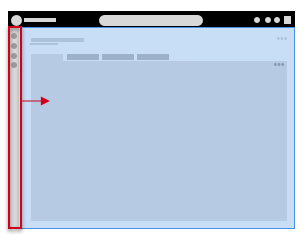
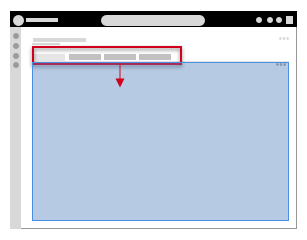
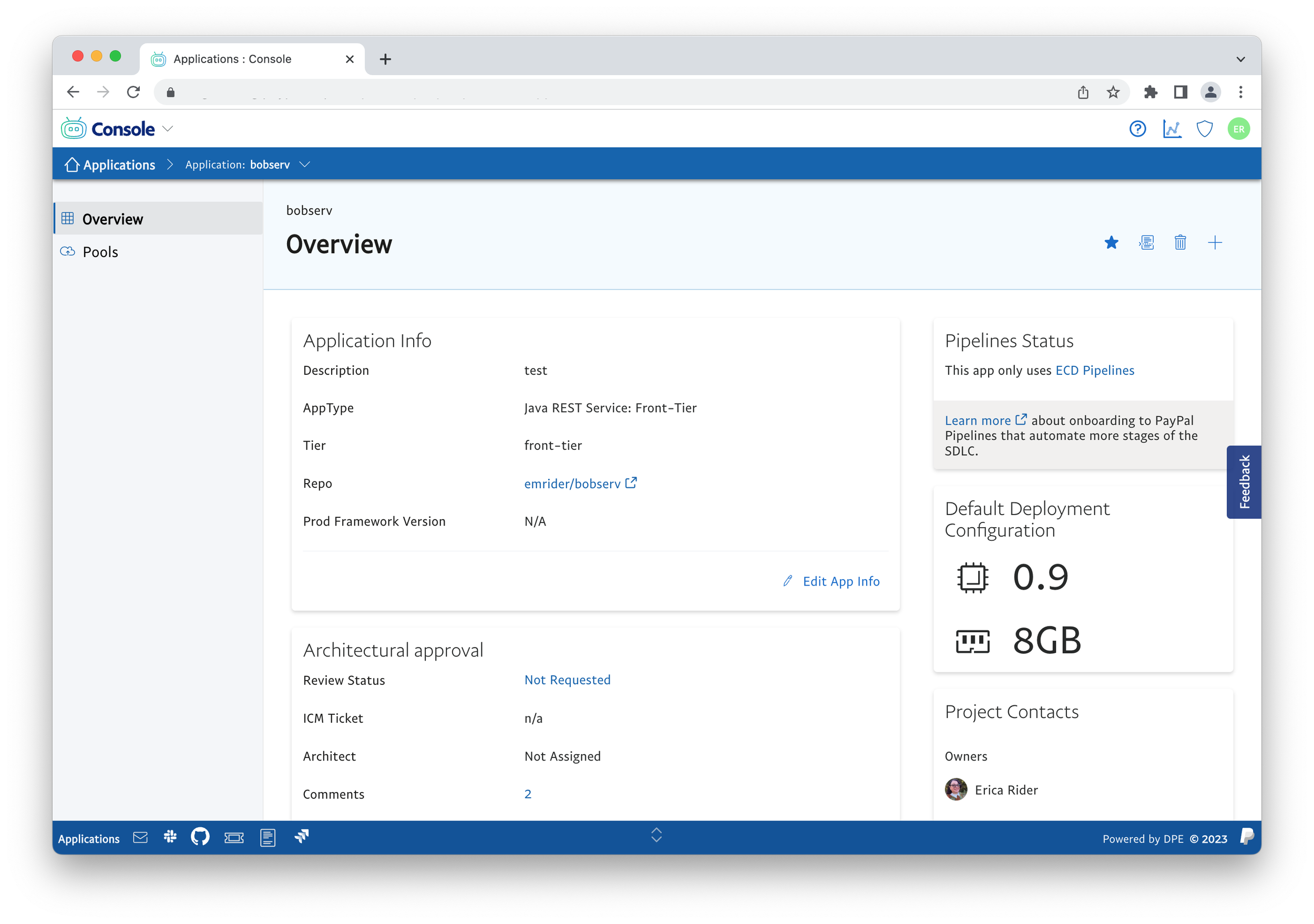
Below are some images illustrate the basics of a hierarchical navigation structure. Basically the navigation controls the area texted with in it. Information is given to the user at the appropriate section of the screen. for example we do not show the title of the current page in the global header. This would be mixing local content with global content and confuses the navigation model to the user.
Global Navigation
In the images the header is a global navigation that contains information and navigation to the user at a global context. The navigation and information give the user global context and actions are ones that are take at the highest level such as searching across everything in the system or changing user preferences or logging out. Navigation at the global level controls the child window (highlighted in blue) At this level the user is switching between sections of the system.
Secondary Navigation
Secondary navigation falls directly below the global navigation. It is used to navigate the user around a section of the system. when the user takes an action in the secondary it changes the page level content. an example here is the user selecting an application and having the main content area(highlighted in blue) switch to a page focusing on the details of the application.
Page Level or Local Navigation
Page level navigation items such as tabs are a way of organizing content related to the current page or object. The tabs control
Prototype to Production
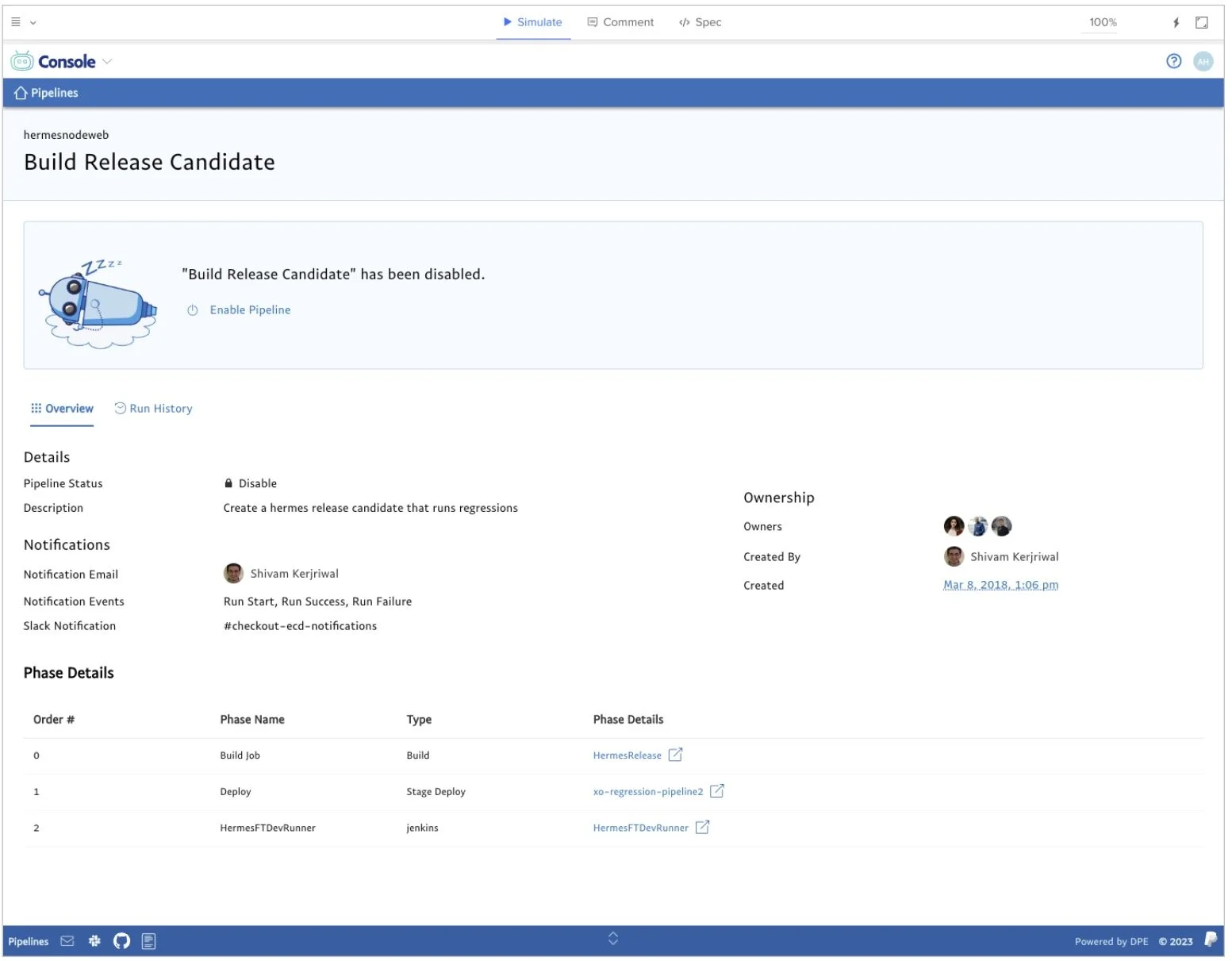
details about UXPin components and design
UXPin Prototype
Same react components used in prototypes and live product to remove drift between design and implementation.
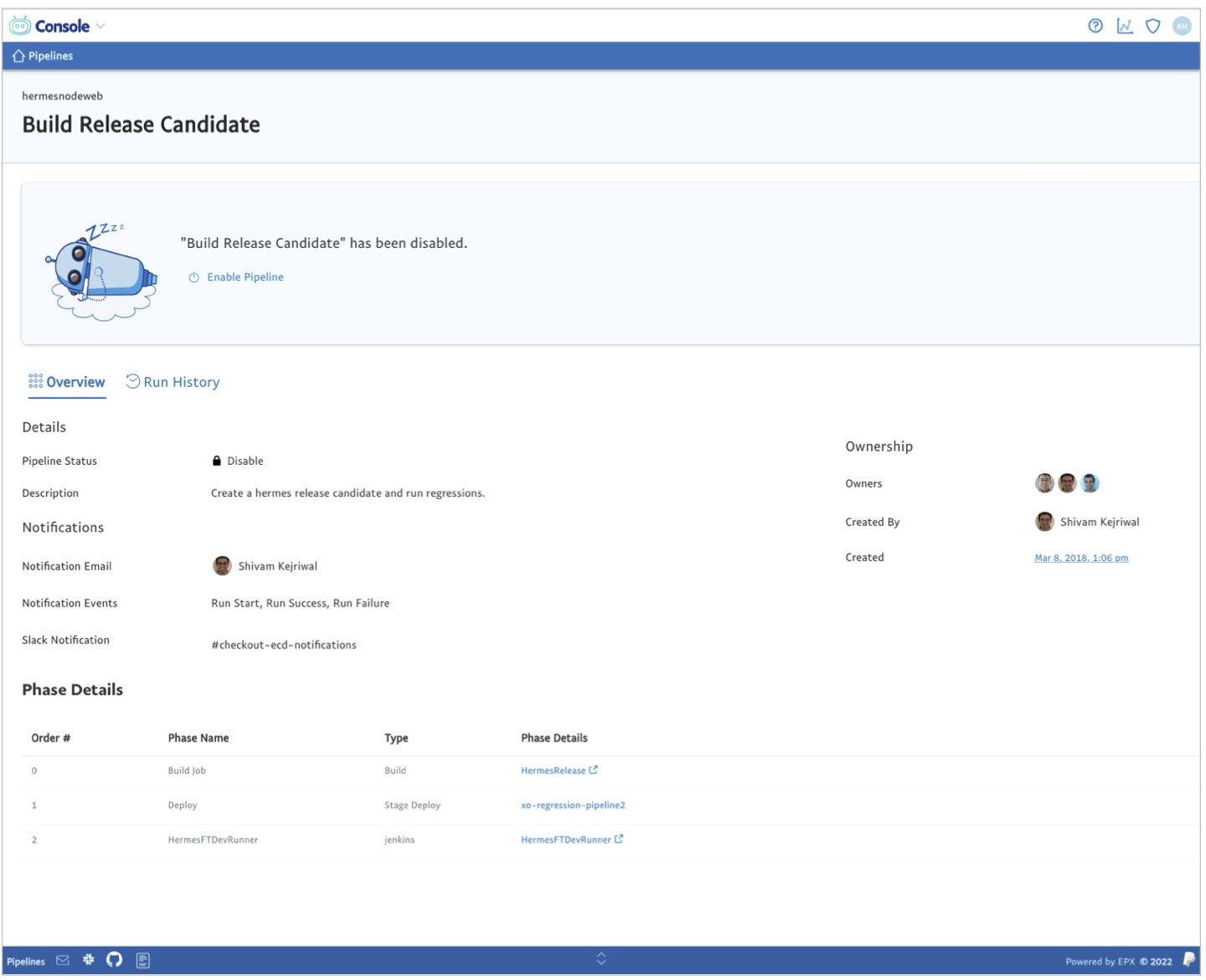
Live product
Developers know exactly how screens look and act as well as exactly how configure layout components
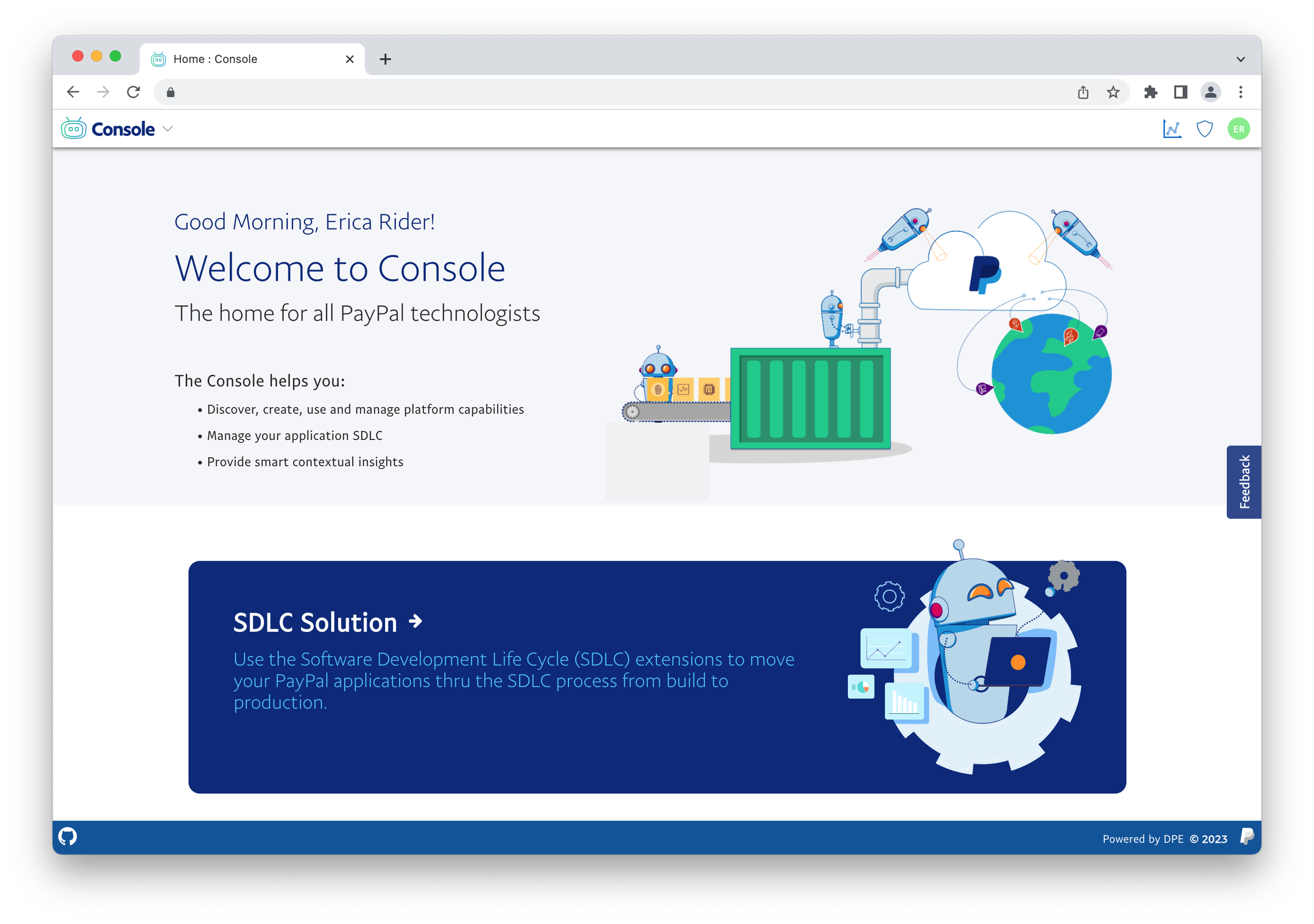
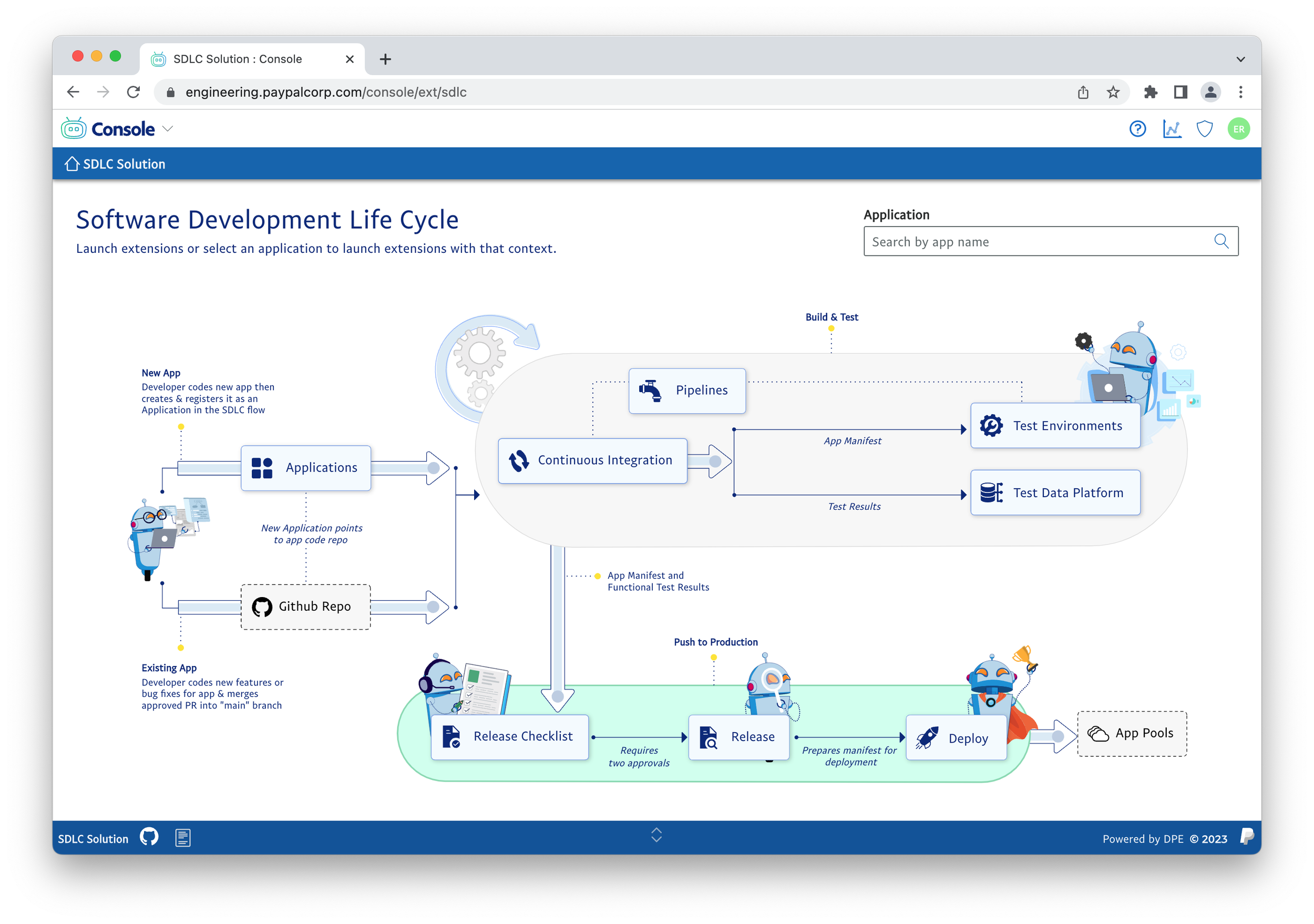
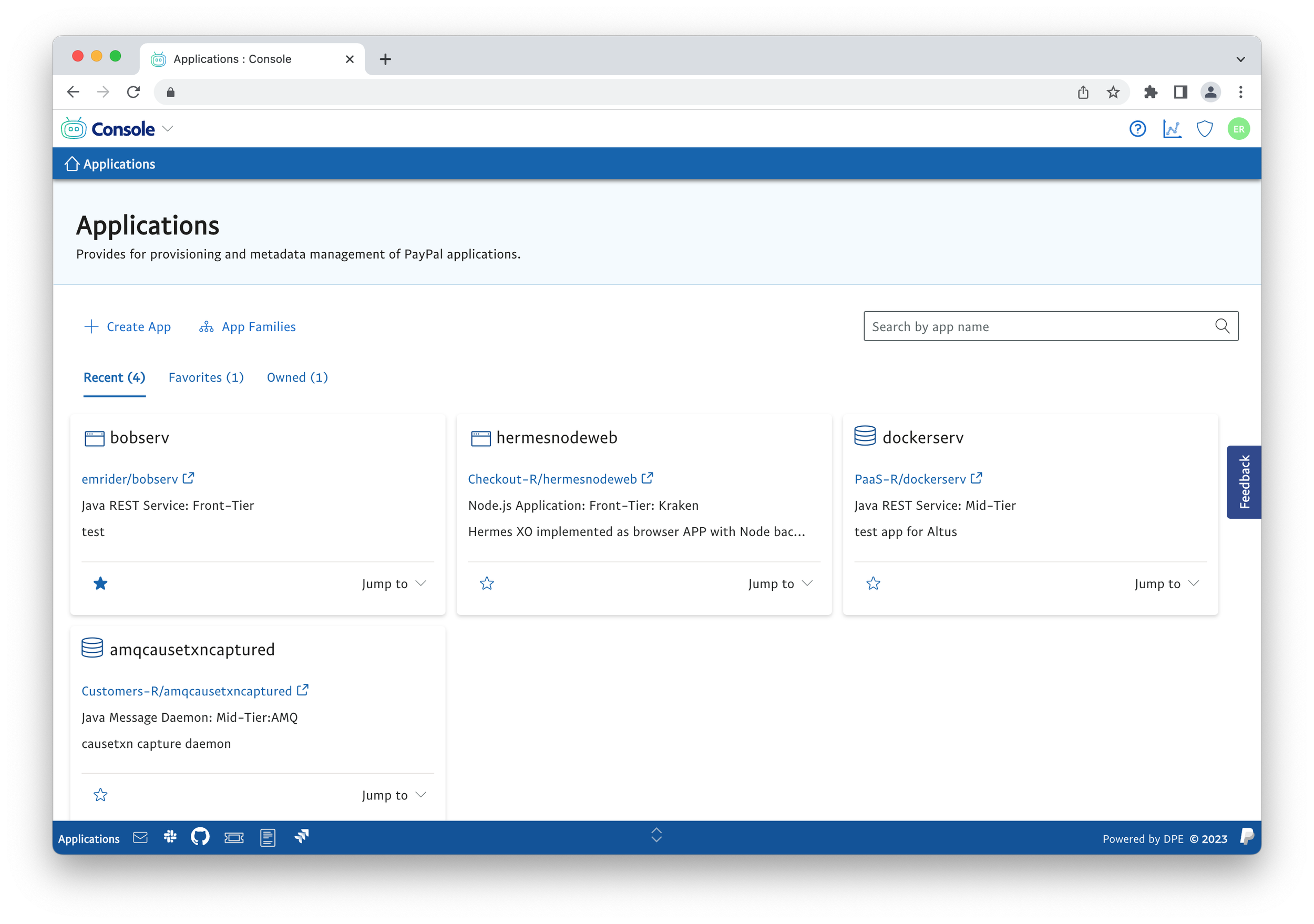
Key Success
Over 7k unique developers use the console monthly with an average time per session being over 60 min
50 platform extensions delivered in production on the console platform
Created design process that enabled products to go from initial concept to functioning prototype to Collecting user feedback and refinement in a single sprint. 300% faster than traditional design models.
Removed ambiguity around design decisions, enabling a consistent and cohesive user experience at scale.
Prototypes built with all the same components used in production products. This removed the churn of developers trying to figure out how to translate pixel based mockups into real code. This resulted in teams ability to get to working code in a single sprint.